Websites
Everything in Sitebase belongs to a website. Features, submissions, and themes are all scoped to the site they live on.
The dashboard overview
When you log in, you land on the Overview page. At the top you'll find activity metrics across all your websites — people in your lists, new signups in the last 24 hours, submissions today — along with charts of signups and submissions over the last 30 days. Below them, your notifications.
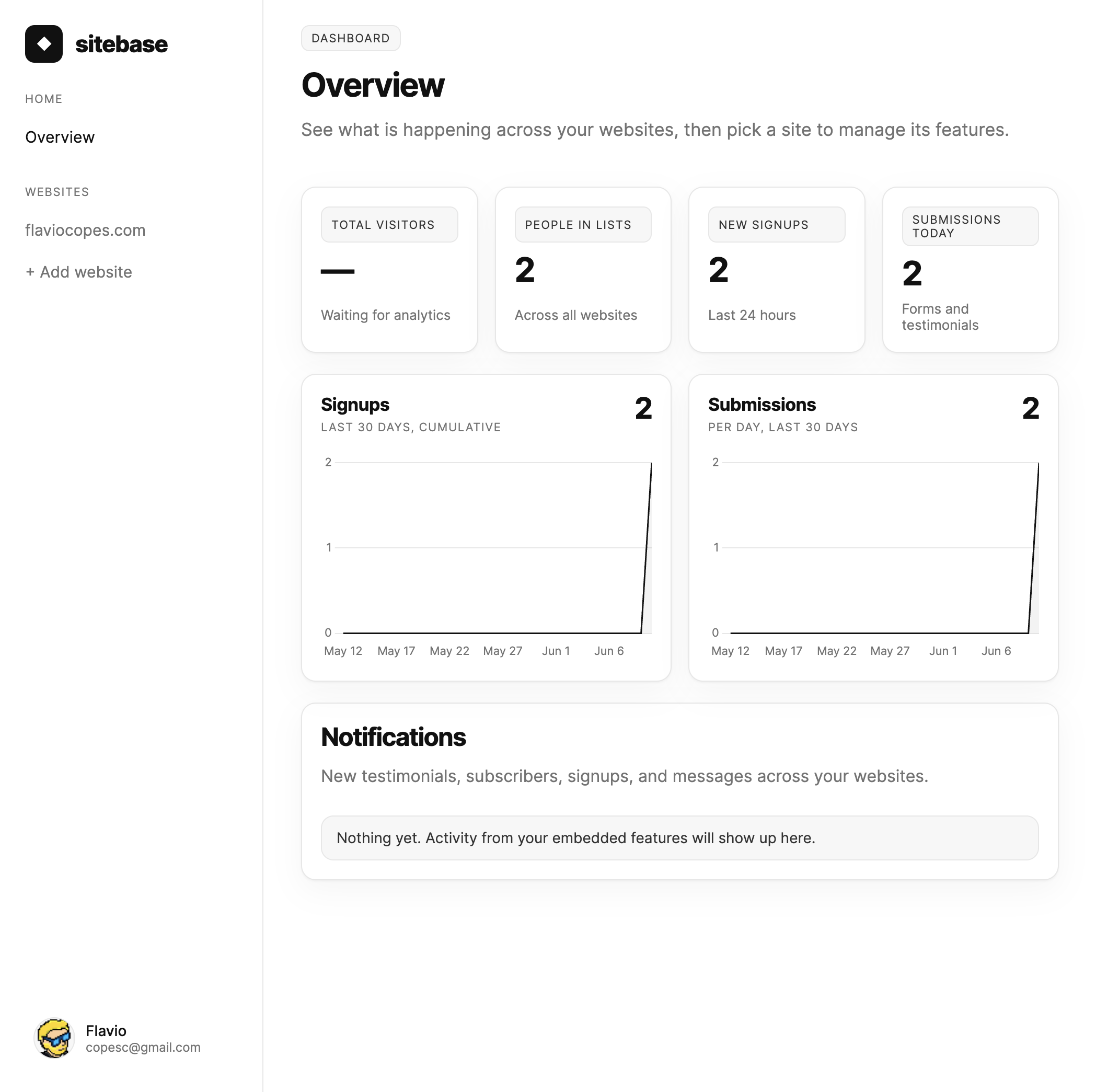
Your websites are listed in the sidebar. Click one to manage it. On small screens the sidebar tucks away behind the menu button in the top-left corner — tap it to open the same navigation as a drawer.
The website page
Each website page is organized in three tabs. Dashboard shows the same metrics and charts as the overview, scoped to that single site, with a stat panel for each feature — click one to open that feature. Analytics is the full visitor report for the site: pageviews, sources, countries, devices and more — see Analytics. Config holds per-website settings: notification overrides, on Plus the option to hide the "Powered by Sitebase" branding on embedded features, and the Appearance panel with the site theme. So the overview tells you how things are going across everything you run, and a website page tells you how that one site is doing.
While you're on a website (or one of its features), the sidebar shows the site name as a selector: if you manage several websites, open it to jump straight to another one without going back to the overview. Right below it, Dashboard, Analytics, and Config links open those views of the current website directly — handy from a feature page too.
Adding a website
Your first website is created automatically when you sign up. To add another one, click + Add
website at the bottom of the sidebar's website list on the overview — or pick + Add
website… from the website selector while you're on any website page. Give it a name and a domain, like
flaviocopes.com. You land on the new website's page right away, ready to add features.
If your plan's website allowance is used up — Starter includes a single website — that page asks you to upgrade instead, and points you to billing.
Notice the not installed badge next to the domain on a website page. It means Sitebase hasn't seen any traffic from your site yet. It switches automatically as soon as the first pageview arrives — from an embedded feature or from the analytics snippet.
How many websites can I have?
Starter includes 1 website. Plus starts at 5 websites and scales up to 100 — check pricing for the full breakdown.
Next: Features