Getting started
Sitebase gives your website ready-made features: a waiting list, a newsletter signup, a contact form, and testimonials. You paste one script tag, and the feature appears on your site. No backend to build.
Create your account
Go to the signup page and enter your email and your website's domain.
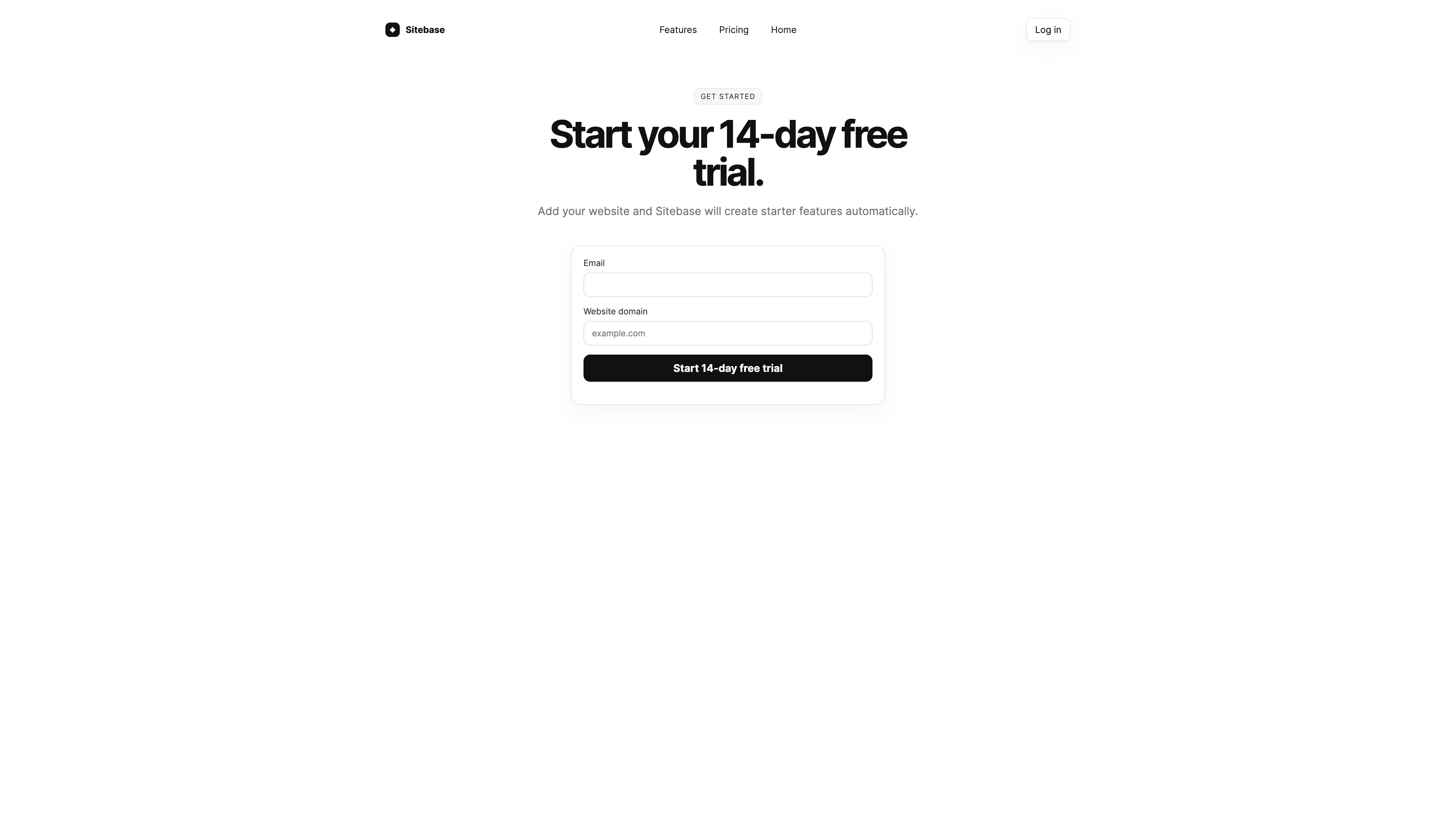
Sitebase uses magic links instead of passwords. Check your inbox, click the sign-in link, and you're in. The link expires after 20 minutes, so use it right away.
When you sign up, Sitebase creates your website and its starter features automatically. You land in the dashboard with everything already set up.
What you get
Every plan starts with a 14-day free trial, no card required. Two plans are available:
- Starter — $9/month, 1 website, every current Sitebase feature.
- Plus — from $19/month, scales with pageviews, websites, and collaborators.
The 5-minute path
Here's the fastest way to get a feature live on your site:
- Sign up with your email and domain.
- Open your website in the dashboard and pick a feature, for example the waiting list.
- Copy the embed snippet and paste it into your site's HTML.
- Publish your site. The feature is live.
That's it. The next pages explain each step in detail.
Next: Websites