Submissions and data
Everything your features collect lands in the dashboard, organized per feature.
Where the data lives
Open a feature and scroll to the Data card. What you see depends on the feature type:
- Waiting list and newsletter signup — the list of people, with email, name, and signup date.
- Contact form — each message with the sender's email.
- Testimonials — submitted quotes with their status: pending, approved, or rejected. This is also where you moderate them: Approve publishes a testimonial to the embedded wall, Reject hides it.
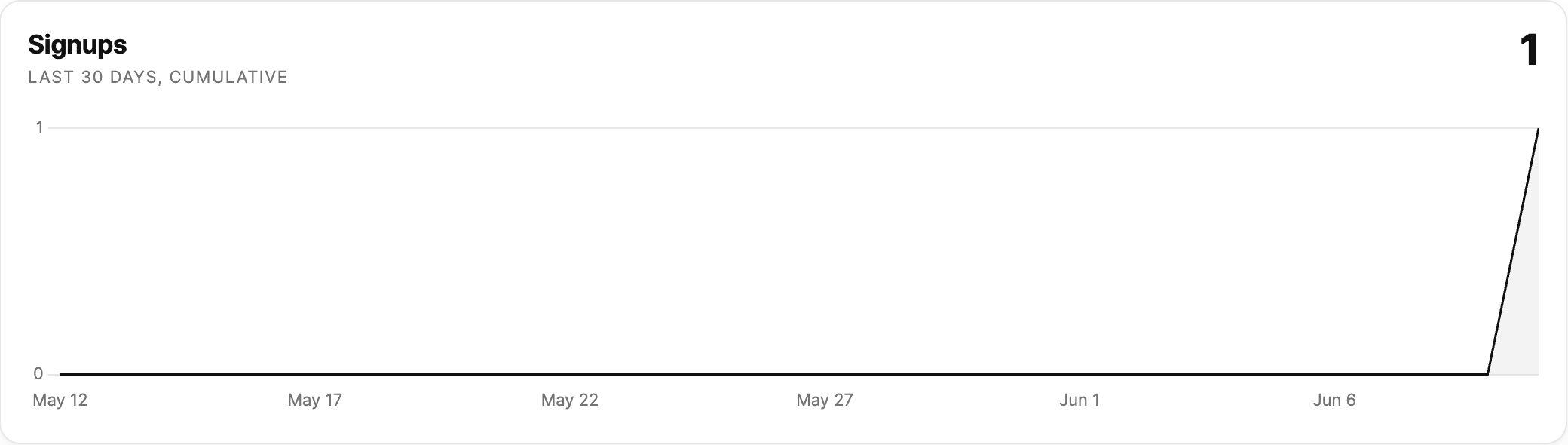
Signup trends
Waiting lists and newsletter signups also show a chart above the data: the cumulative number of people who joined over the last 30 days, so you can see how the list is growing day by day. Hover the line to see the exact count on any date.
Email notifications
You don't need to keep the dashboard open. When someone submits a form, Sitebase emails the workspace owner and every collaborator, so you all hear about new messages and signups as they happen.
Live counts
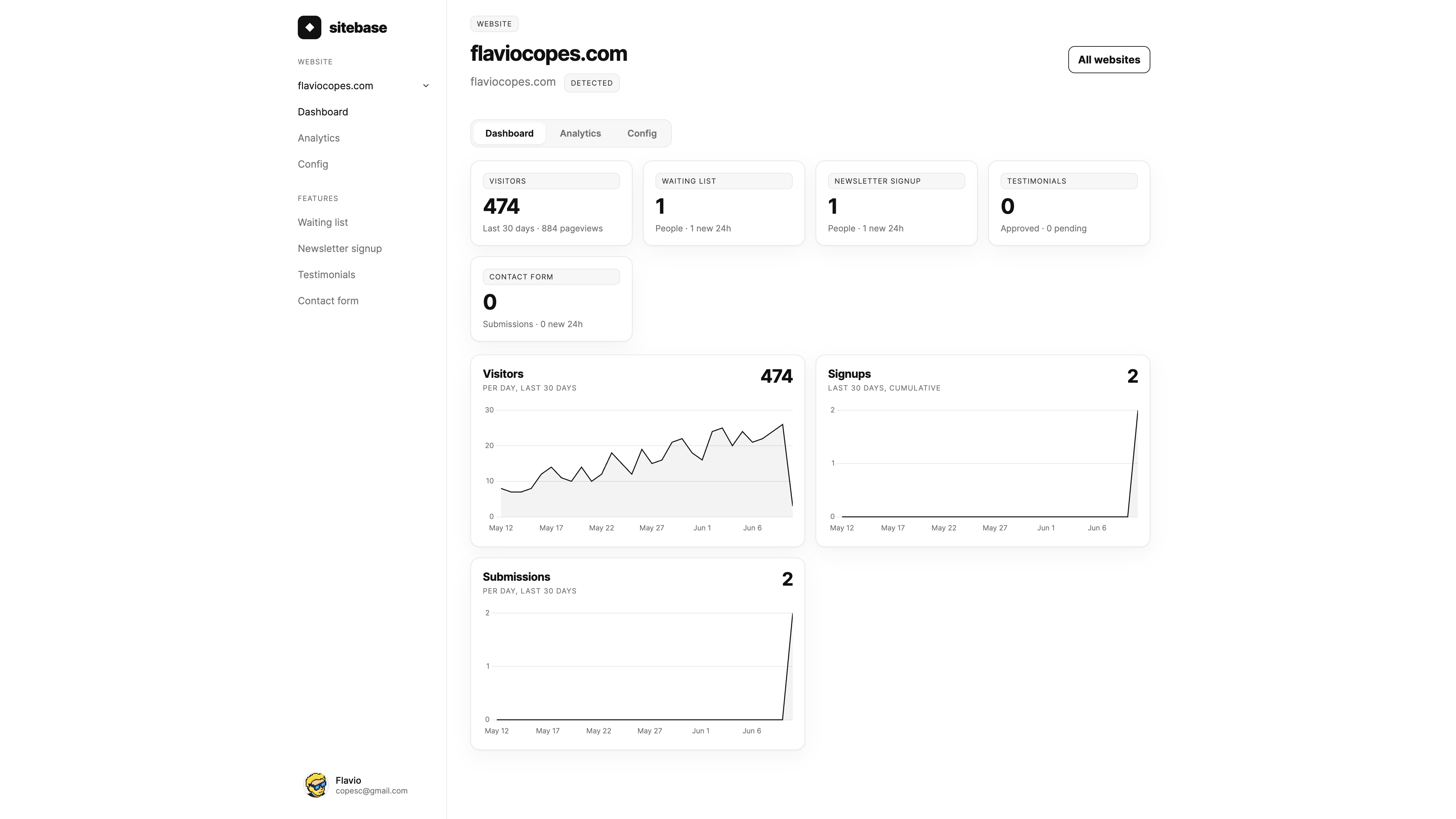
The feature panels at the top of your website page show running totals — people collected and new activity in the last 24 hours — so you can spot momentum at a glance.
Next: Notifications